CMMS Software to Manage Maintenance Operations
Reduce Downtime. Cut Costs. Gain Control.
Turn maintenance from a cost center into a performance driver with Zapium’s CMMS software. Manage work orders, preventive maintenance, assets and spare parts in one platform, so teams cut unplanned downtime and keep maintenance costs under control.
Powering Maintenance for Industry Leaders Worldwide


CMMS Software for Measurable Maintenance Impact
Bring precision, speed, and accountability to asset management with Zapium’s CMMS software. Get real-time visibility and automated workflows to assign, track, and resolve work orders across every asset.
Measurable, Real Results Delivered by Zapium CMMS
Businesses like yours are seeing reduced overheads and costs, and maximizing efficiency with our CMMS system built for real results.
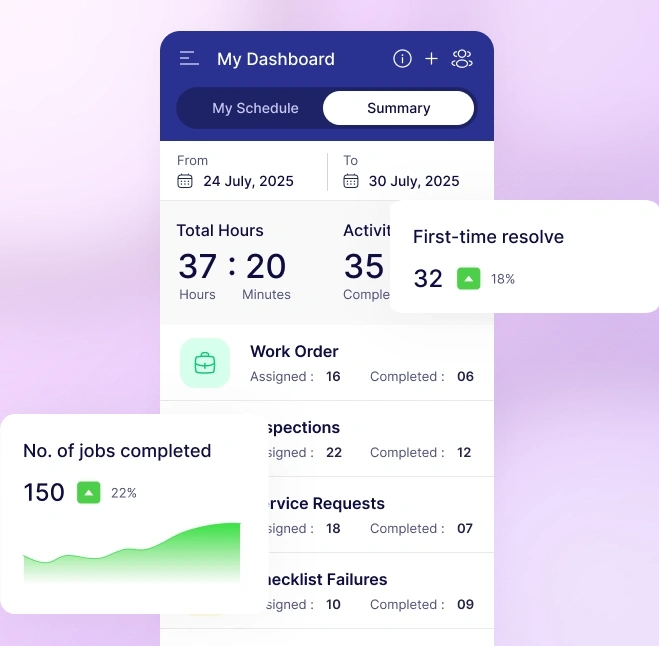
Increase Team Efficiency by up to 45%
Reduce Downtime by 10-25%
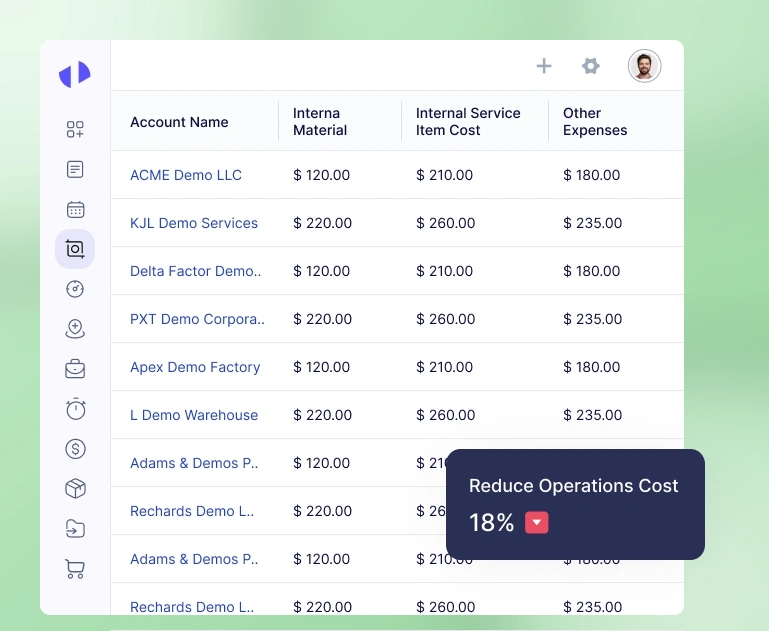
Cut Service & Maintenance Costs by 12-18%
Boost Team Productivity by up to 50%
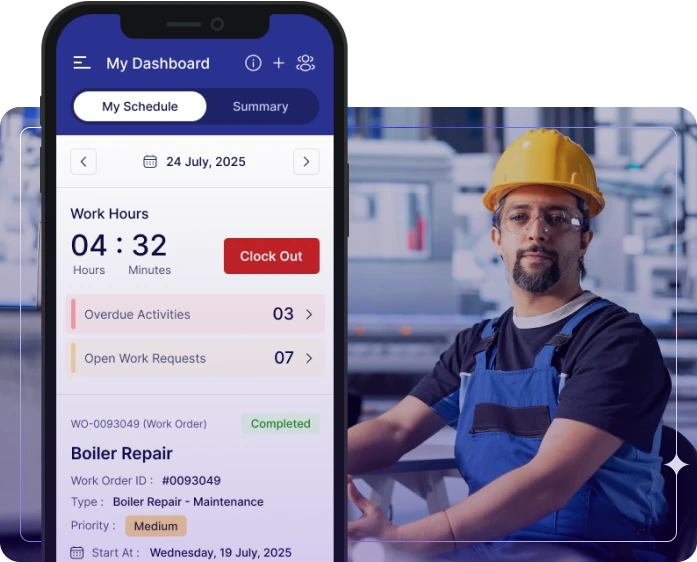
Coordinate on the go with mobile access. Cut delays, resolve
scheduling conflicts, and streamline alerts for faster, smarter
teamwork.
Features of Our CMMS Software
Explore how the key features work without signing up for a trial or demo. Some of the most used features of our apps are:
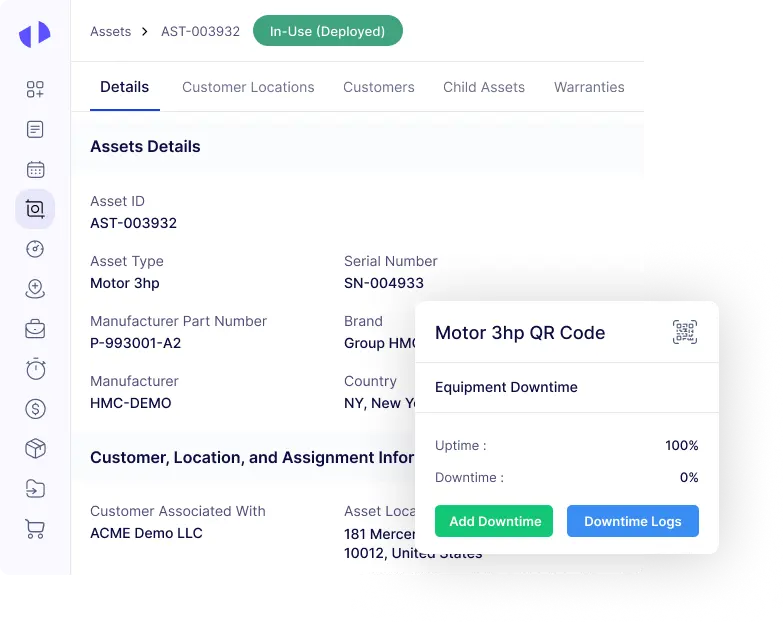
Keep Your Assets Up and Running
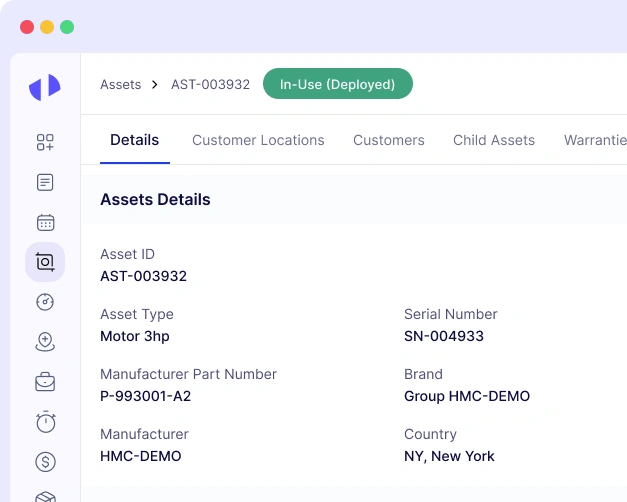
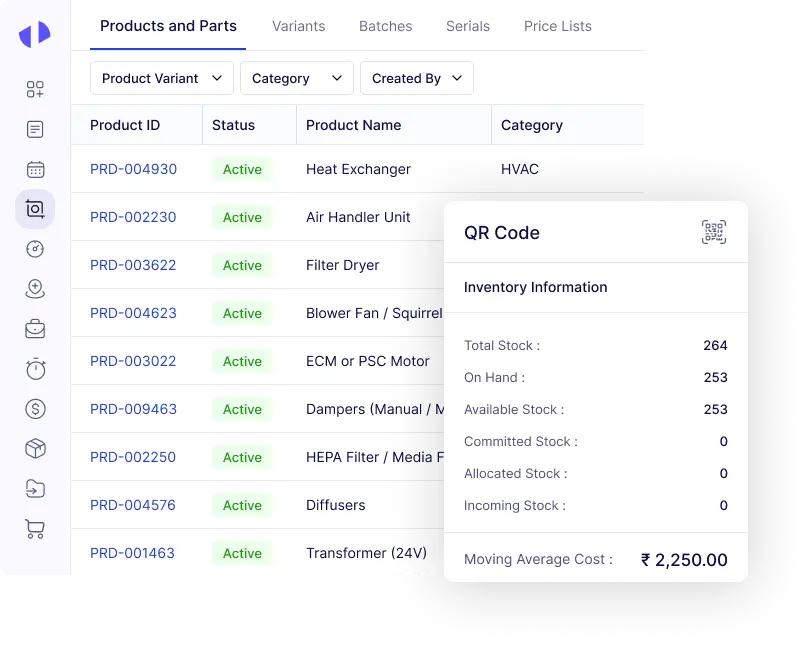
- All asset data, categorization in one place
- QR/Barcode scan for quick access
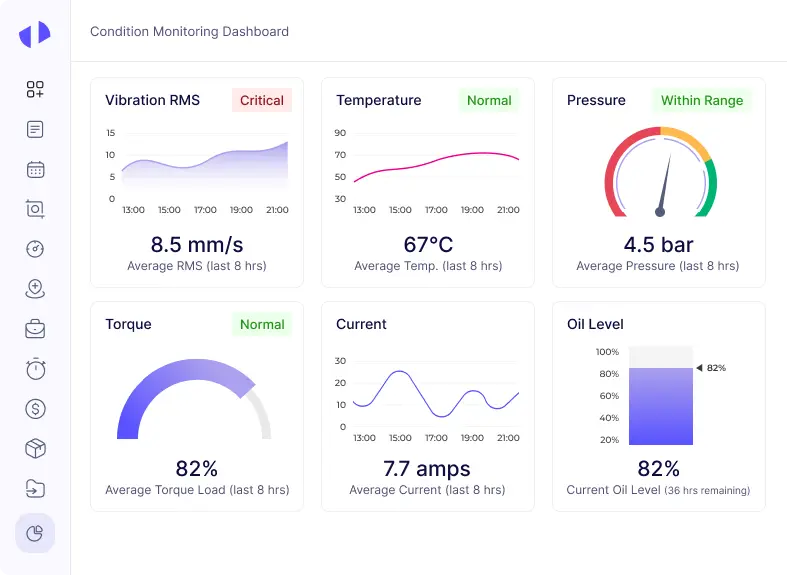
- Live health condition and usage data
- Track costs across asset lifecycle
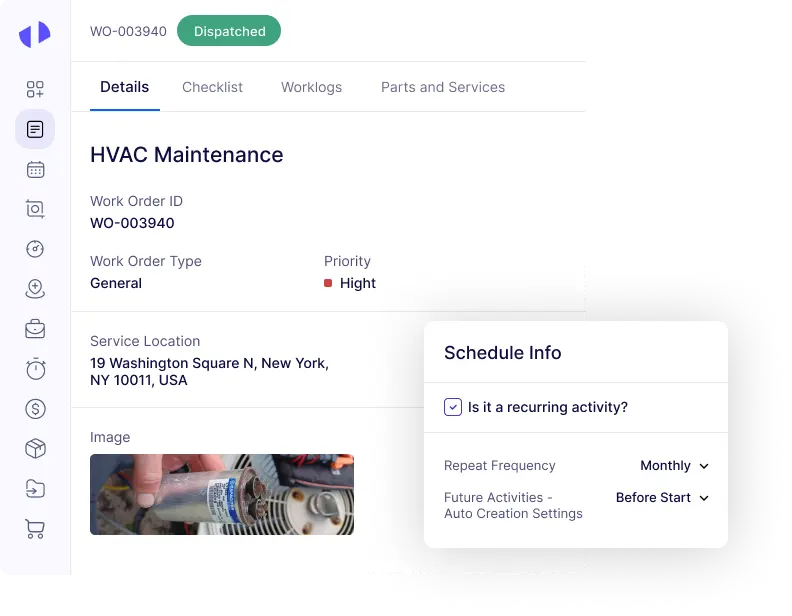
Complete Maintenance Jobs Faster and Easier
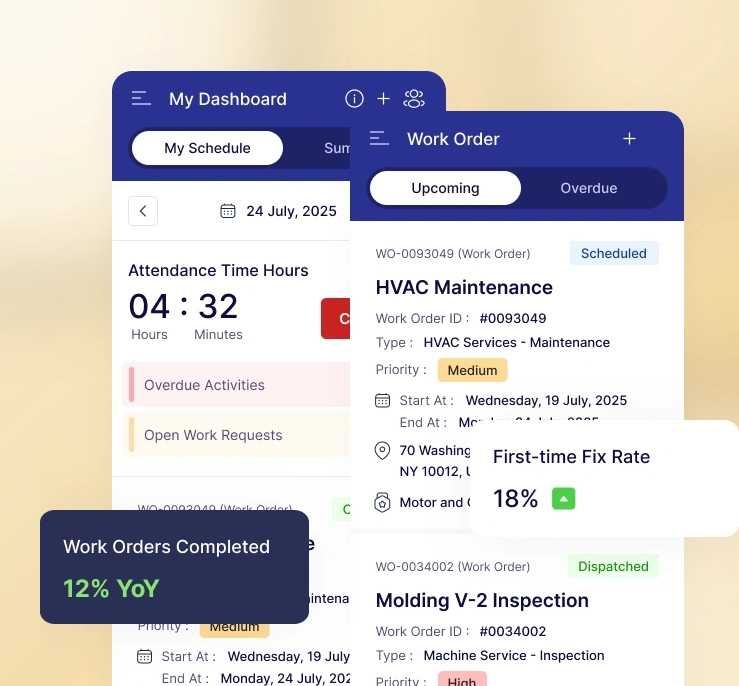
- Create and assign WOs easily
- Setup checklists and procedures
- Track job progress in real time
- Record labor, parts and downtime
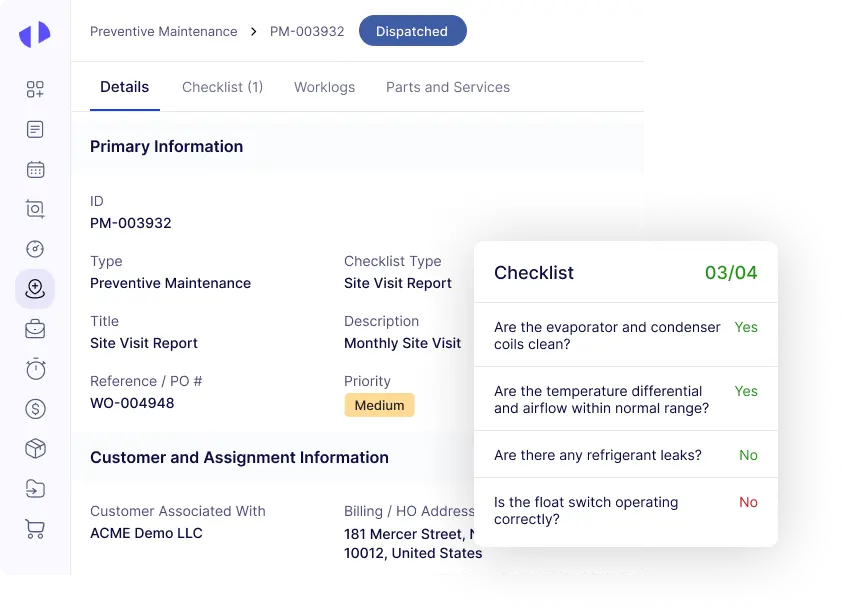
Prevent Breakdown Before They Happen
- Schedule calendar-based recurring PMs
- Auto-generated work orders from schedules
- Set PM checklist templates and procedures
- Track completion status and auto-notifications
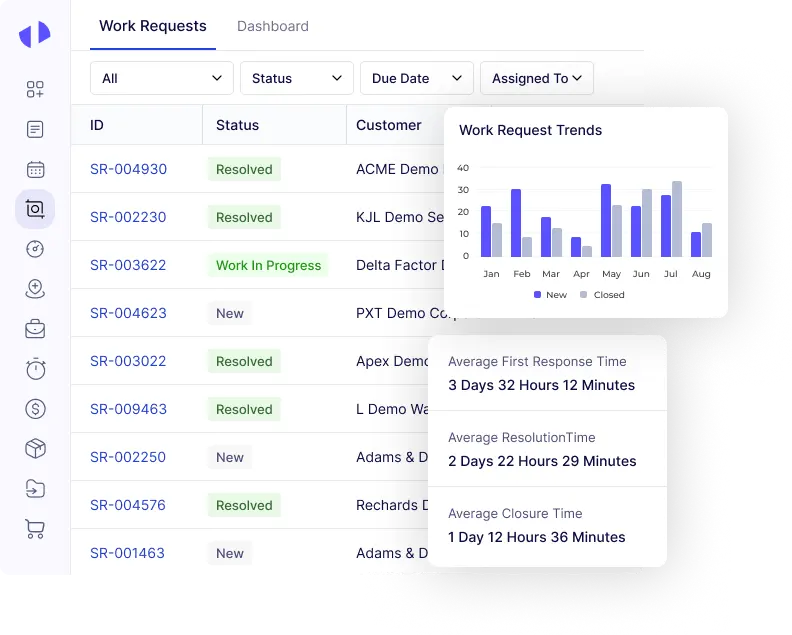
Capture Issues Early and Resolve Them Quickly
- Receive requests via QR, email, manual entry
- Prioritize and convert to work orders
- Set approval and assignment workflows
- Track statuses and SLAs
Never Run Out of Critical Parts
- View stock levels and allocate to WO/Techs
- Auto-deduction of used parts from stock
- Low-stock alerts for maintenance items
- Link parts to work orders
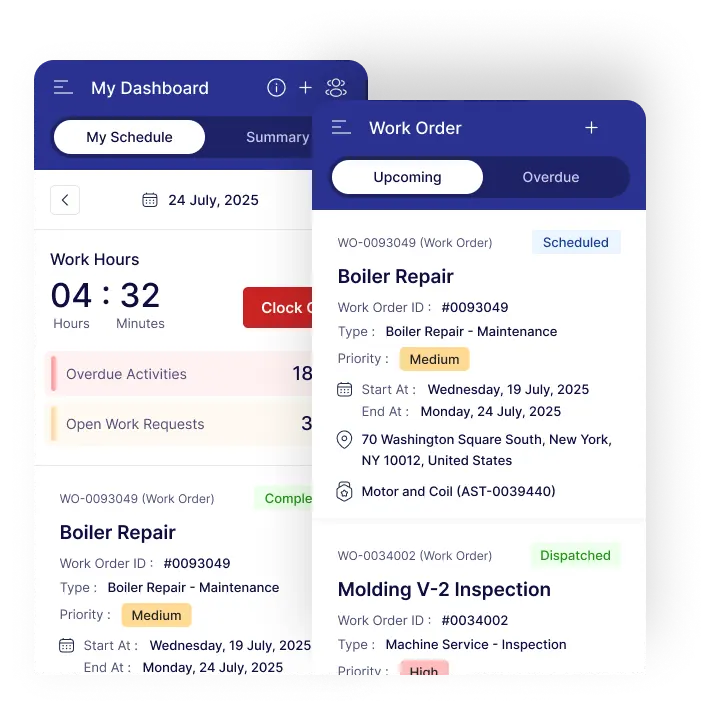
Empower Technicians to Work From Anywhere
- Perform work orders on the go
- Capture photos, videos, and fill checklists
- Log time, parts, and capture signature
- Generate digital WO reports and share
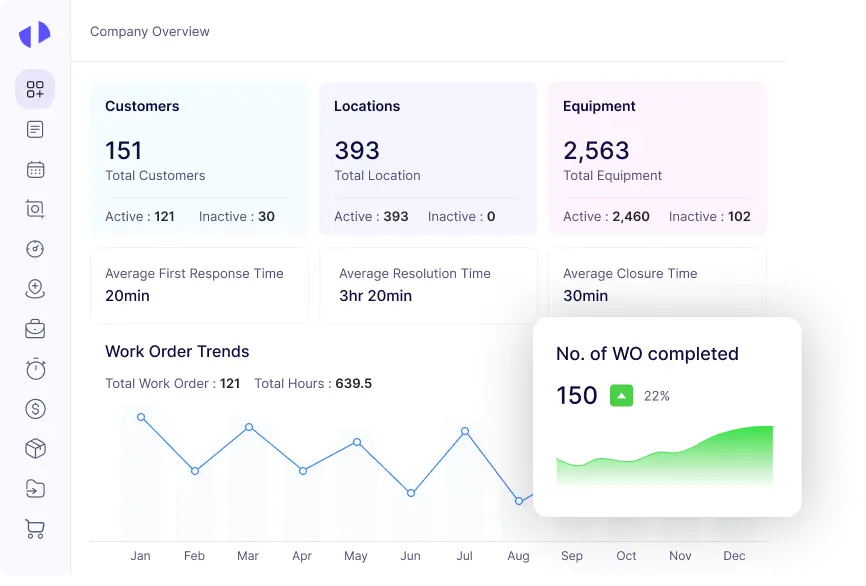
See What Matters, Act Faster
- Asset reliability and downtime insights
- Asset performance trends
- Default 200+ maintenance reports
- Work order, PM, and maintenance cost analytics
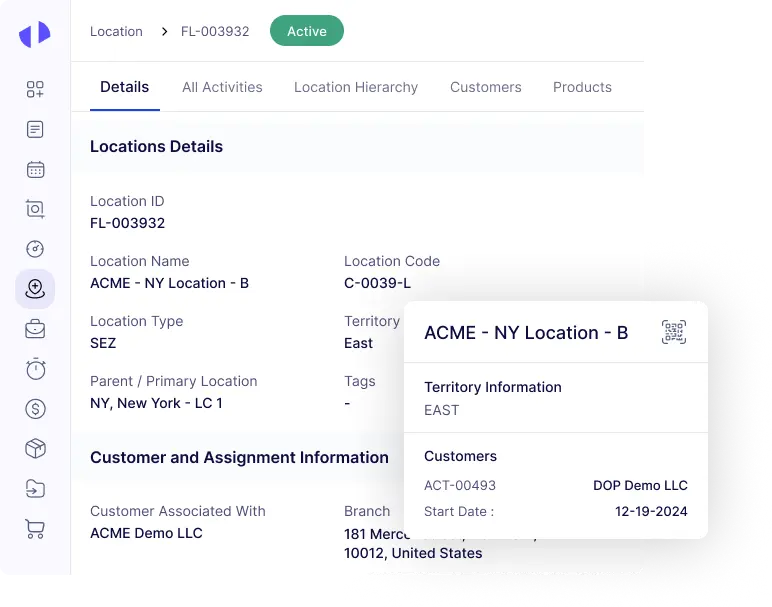
Manage Every Site With Complete Visibility
- Manage multiple sites and location
- Map assets by location
- View WO, PM and other activity by site
- Track site level performance
Simplify Purchasing and Vendor Work
- Manage vendors and their compliance
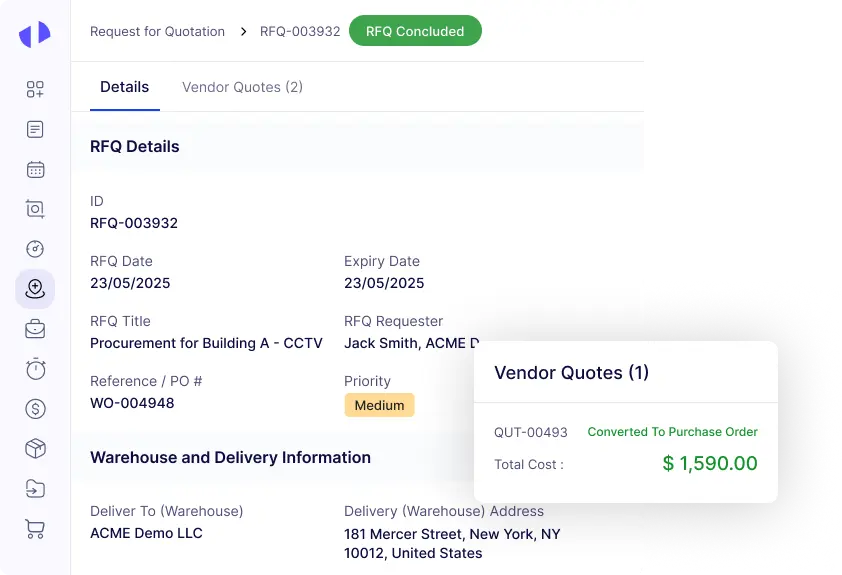
- Request RFQs, compare quotes, and create POs
- Assign and get work orders done
- Link POs to parts and jobs
Detect Failures Before They Occur
- Log meter readings manually or via sensors
- Set triggers and auto create and assign work orders
- Automate maintenance from thresholds
- Improve uptime with predictive insights
CMMS Software Integrations for Accounting, IoT and Custom Systems
Zapium’s CMMS software connects maintenance data with the systems your business already runs, so teams work from one set of records.
- Sync invoice data with QuickBooks Online
- Pull readings from industrial and building sensors
- Link third-party systems through an open REST API
- Build custom integrations for your workflows
Security & Privacy
Enterprise-Grade Security, Built to Scale With You
Top-rated on G2 for great customer support
Based on 150+ reviews
Secure, Trusted and Ready to Help You Scale
Designed with security at its core, enabling seamless and confident scaling as your operations grow.
Top-rated on Capterra for Ease-of-use
Based on 100+ reviews
What Customers Achieve With Zapium CMMS
Hear what our customers say about Zapium and its impact on their maintenance operations.
Zapium’s CMMS has helped our 120+ location assisted living operations move from scattered maintenance processes to a more organized, system-driven process. We can now understand priorities, identify where work is building up, and make more informed decisions faster.
For the first time, we can see what’s happening across all our communities without chasing updates.
Earlier, our operations team relied on fragmented updates from stores and vendors. After implementation of Zapium’s multi-store CMMS for restaurants, they gained centralized control over every location.
Zapium’s product team worked with optimizing their system to our workflows to manage ops, inventory, vendor and internal ops team. Their CMMS with field team capabilities has been super helpful in running our operations seamlessly.
Zapium’s asset management and CMMS have been critical to our audit operations processes. We now have complete clarity on our client’s asset registry, breakdown data, cost-related insights, and total cost of ownership.
Narayan Kella
Zapium has been transformative for our ops. We were already using technologies but Zapium has replaced most due to its comprehensiveness and awesome support team.
A Wide Range of Industries that use Zapium
A CMMS Software that’s Built for Your Industry’s Maintenance Management Needs
Maintain machines and automate schedules with our maintenance software for optimal performance.
Track HVAC system health, schedule inspections, and optimize performance using Zapium.
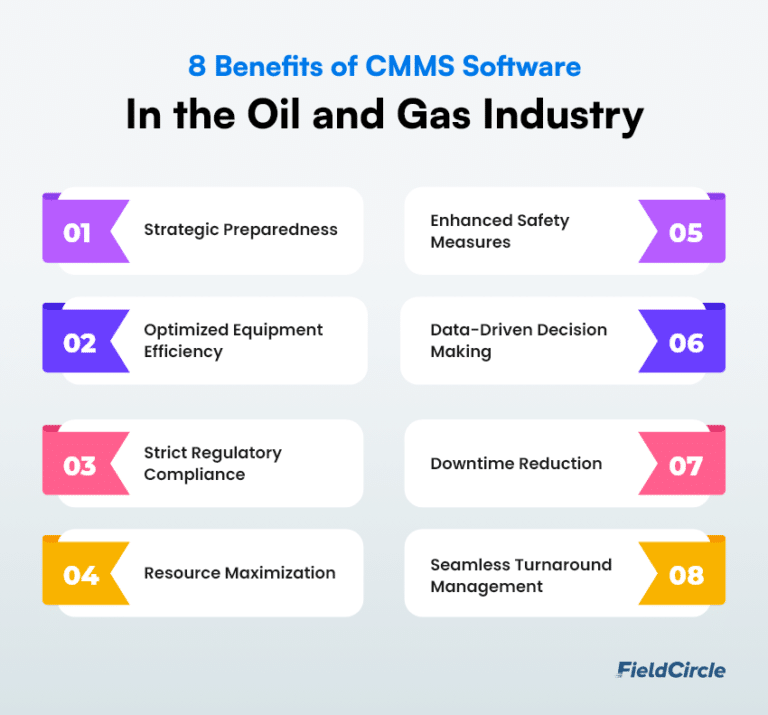
Power up asset reliability and improve compliance with our oil robust and gas maintenance software.
Efficiently track medical equipment and manage room upkeep using our top-notch maintenance platform
Track equipment, hygiene standards, and inventory with Zapium’s maintenance platform.
Automate aircraft maintenance, track readiness, and meet stringent compliances with ease.
Manage classroom upkeep, track equipment, and maintain safety with our school maintenance software.
Construction and Infrastructure
Track equipment, manage materials, and ensure safety compliance with Zapium maintenance application.
Monitor infrastructure and energy use, while maintaining compliance with our maintenance software.
Use Zapium’s world-class maintenance software to manage public building upkeep, and track assets.
Track mining equipment, schedule inspections, and maintain safety standards with our maintenance application.
Precision matters. Our pharmaceutical maintenance software keeps cleanrooms pristine and equipment audit-ready.
Delight guests with seamless service. Use our hotel maintenance software to manage rooms, amenities, and upkeep.
Keep ATMs humming and security systems sharp with Zapium’s banking maintenance platform.
From fryers to fridges, our kitchen maintenance software ensures perfect inspections, hygiene, and uptime
One tool. Total control. Zapium’s facility maintenance software tracks resources, tasks, and performance.
Care for creatures and their habitats with our zoo maintenance platform for veterinary upkeep.
Automotive
Optimize automotive production with just-in-time maintenance, real-time PLC monitoring, and less unplanned downtime.
About Zapium’s CMMS Software
Why Businesses Choose Zapium CMMS Software
Businesses across industries use Zapium’s CMMS software to manage assets, maintenance, and compliance in one platform. Here’s what makes Zapium a preferred choice for their maintenance operations:
Asset Lifecycle-Centric Design
Industry-Grade Maintenance Standards
Purpose-Built for Complex Equipment Environments
Offers Maintenance Intelligence
Seamless Link Between Maintenance and Compliance
Proven to Reduce TCO
How does a CMMS Software work?
Following is a typical workflow of a CMMS software:
Work On-the-go with Our CMMS App
An easy-to-use CMMS app that keeps maintenance organized, efficient, and all in one place.

Success Stories Led by Our FSM software
Discover the remarkable impact of Zapium’s FSM software on maintenance operations of our customers and how it has changed their life.
A leading US-based manufacturer, TSI Power Corporation, USA improves resource utilization, enhances productivity with Zapium implementation
YourSpace partners with Zapium to achieve service operations excellence leading to higher profitability and customer experience.

For the first time, we can see what’s happening across all our communities without chasing updates.
We no longer rely on store calls to know something is broken. We see it as it happens.
Maintenance Resources
Browse our blogs, guides, and case studies to support your maintenance journey.
Maintenance Management Checklists
Download free maintenance procedure and checklist templates designed by experts-
What is CMMS Software?
A CMMS (Computerized Maintenance Management System) is digital software that centralizes maintenance operations. It tracks assets, schedules preventive repairs, manages parts and inventory, and work orders in one place. Using a CMMS improves efficiency, reduces equipment downtime, and helps businesses shift from reactive fixes to proactive maintenance management.
What Are The Benefits Of Using CMMS Software?
The benefits of using CMMS software include improved maintenance efficiency, reduced downtime, and enhanced asset management. It increases equipment life, helps with proactive maintenance to minimize failures, and manage preventive maintenance schedules. This leads to cost savings, better performance, and increased productivity through automation.
How Does a CMMS Work?
CMMS works by automating and centralizing maintenance processes, allowing businesses to manage tasks more effectively. It tracks work orders, schedules preventive maintenance, and manages inventory, ensuring timely execution of tasks. The system provides real-time data and insights, helping users make informed decisions and optimize their operations.
Who needs a CMMS? Do I even need one?
You need a CMMS software if your business requires efficient management of maintenance tasks, assets, and work orders. It is especially valuable for growing or scaling operations, as it streamlines maintenance processes and improves overall efficiency. For smaller businesses or single-person teams, a CMMS may not be essential, but it becomes crucial as your operations expand.
What factors to consider before buying a CMMS software?
When choosing CMMS software, prioritize scalability, ease of use, mobile accessibility, integration with existing systems, robust reporting, and vendor support. You should also consider CMMS that offer customization options and comply with industry regulations.
What are the key steps to implement a CMMS successfully?
Successful CMMS implementation begins with defining your maintenance goals and understanding the processes you want to manage. First, gather and organize your asset and equipment data, including maintenance history and schedules. Next, choose a CMMS that fits your organization’s size and needs, and configure it to match your workflows. Then train your team on using the system effectively and set up reporting to track performance. Finally, start using the CMMS gradually, monitor adoption, and adjust settings or processes as needed to optimize results.
How long does it take to implement a CMMS?
CMMS Implementation time varies depending on the complexity of your operations and the amount of data to migrate. For smaller organizations, it can take a few weeks, while larger enterprises may need several months. Factors like team readiness, data accuracy, and customization requirements also influence the timeline.
What Is The Difference Between CMMS And EAM?
A CMMS is software for managing day-to-day maintenance, such as work orders, preventive schedules and parts, whereas EAM is broader, covering the full asset lifecycle, including procurement, financials and disposal decisions. CMMS suits maintenance teams; EAM suits asset investment planning.
What Is The Difference Between CMMS And ERP?
A CMMS is software for maintenance work, such as work orders, preventive schedules and spare parts, whereas an ERP is a business-wide system for finance, HR and supply chain. Many companies run both, sharing cost data between them.
How Much Does CMMS Software Cost?
CMMS software cost depends on users, assets and sites, features included, and deployment type. Vendors usually charge a subscription per user or plan. Schedule a free demo with Zapium today to find the right CMMS plan for your maintenance team and get a personalized pricing quote.
Is CMMS Software Hard To Learn?
A CMMS is easy to learn when it has a simple interface, clear navigation, straightforward work order workflows, and guided setup. Since these features simplify daily tasks such as creating work orders and updating job statuses through a mobile app, maintenance technicians responsible for equipment repairs, inspections, and preventive maintenance can get familiar with the system faster. Zapium’s easy-to-use design, personalized onboarding, and hands-on training further shorten the learning curve, helping maintenance teams adopt the software quickly and manage daily tasks with less technical assistance.