CMMS Software

End Downtime. Cut Costs. Gain Control.

Turn maintenance from a cost center into a performance driver with easy-to-use CMMS.

Powering Maintenance for Industry Leaders Worldwide

Top Rated CMMS For Measurable Impact

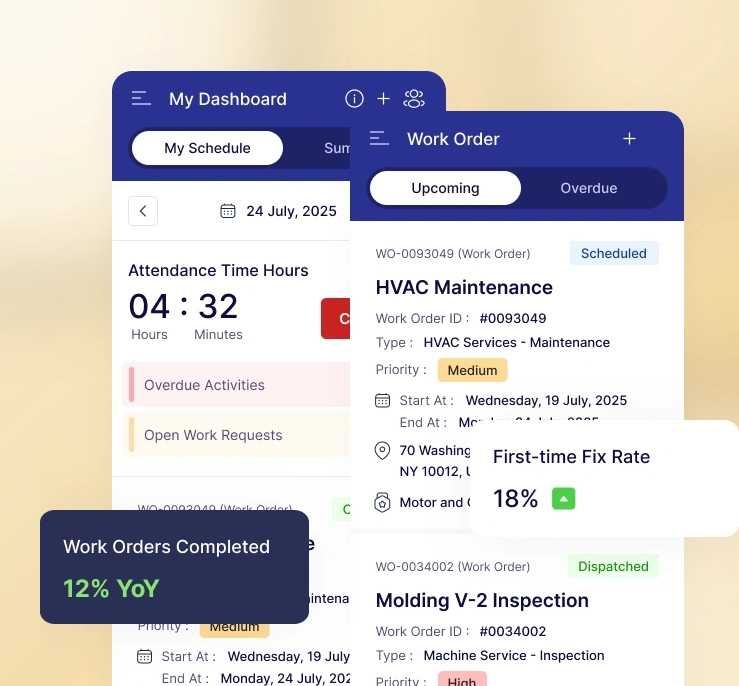
Bring in precision, speed and accountability to asset management. With with real-time visibility and automated workflows, Zapium CMMS offers smarter work order control for assigning, tracking, and resolving jobs instantly.

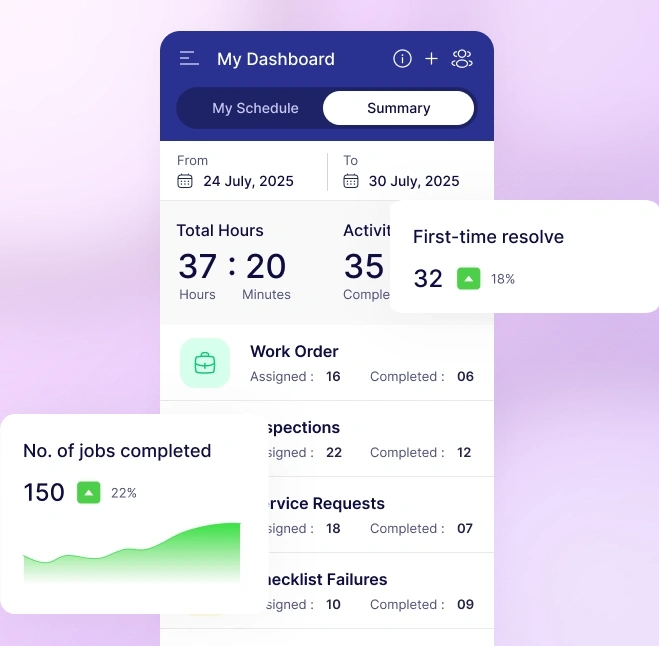
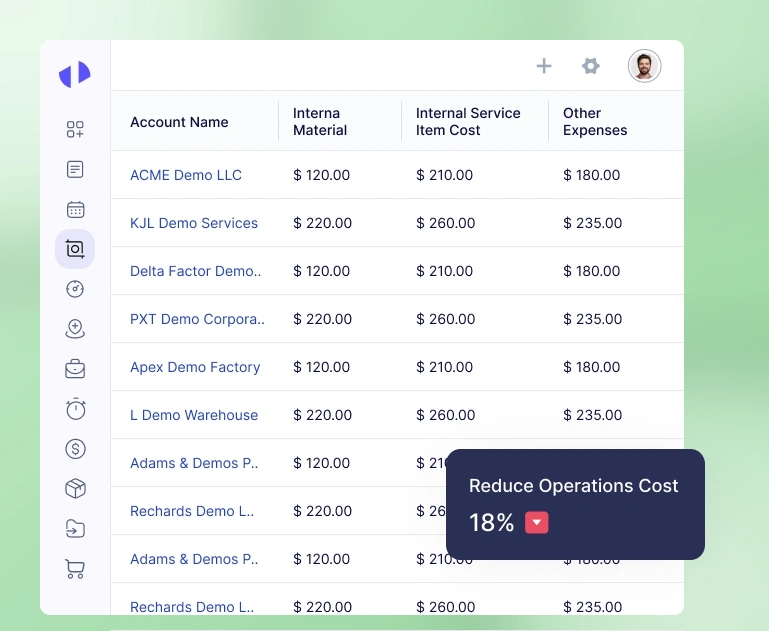
Measurable, Real Results Delivered by Zapium CMMS

Businesses like yours are seeing reduced overheads and costs, and maximizing efficiency with our CMMS system built for real results.

Features of Our CMMS Software

Explore how the key features work without signing up for a trial or demo. Some of the most used features of our apps are:

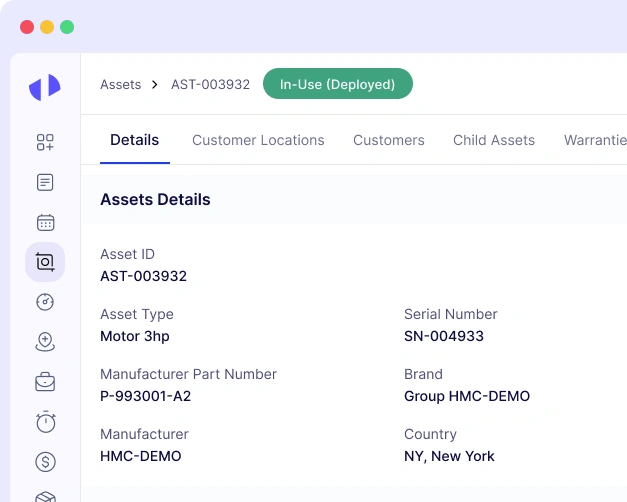
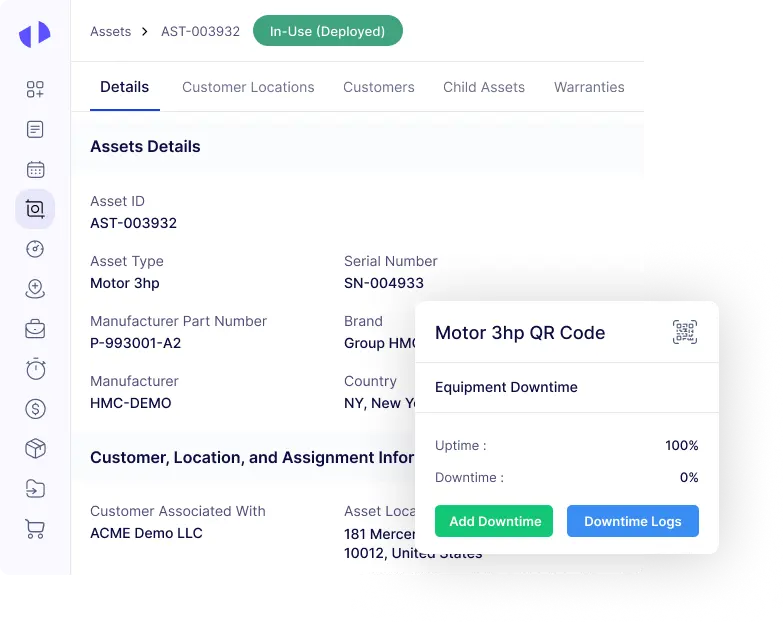
Keep Your Assets Up and Running

asset-equipment

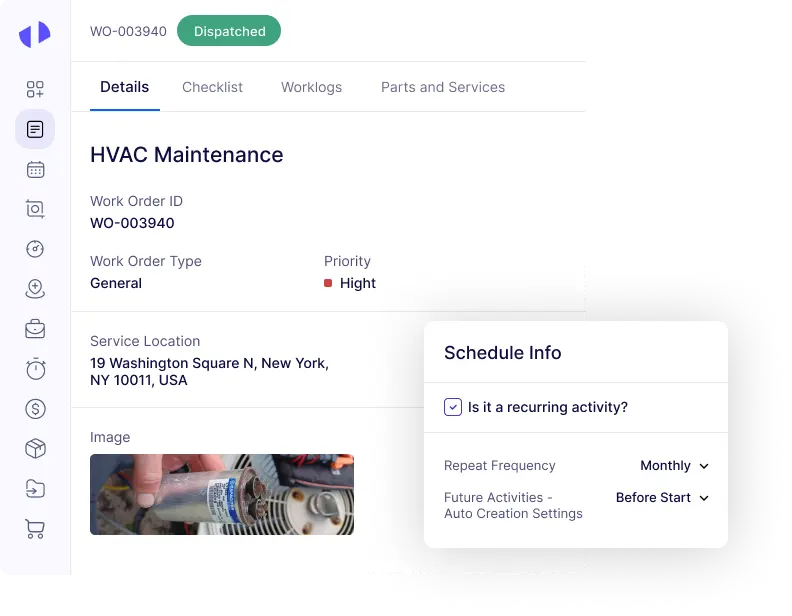
Complete Maintenance Jobs Faster and Easier

work-orders

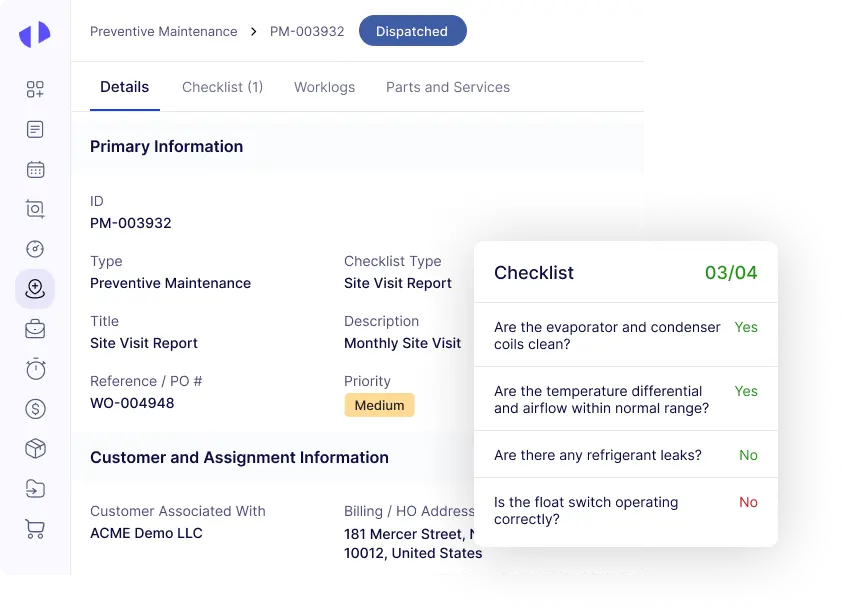
Prevent Breakdown Before They Happen

Preventive Maintenance

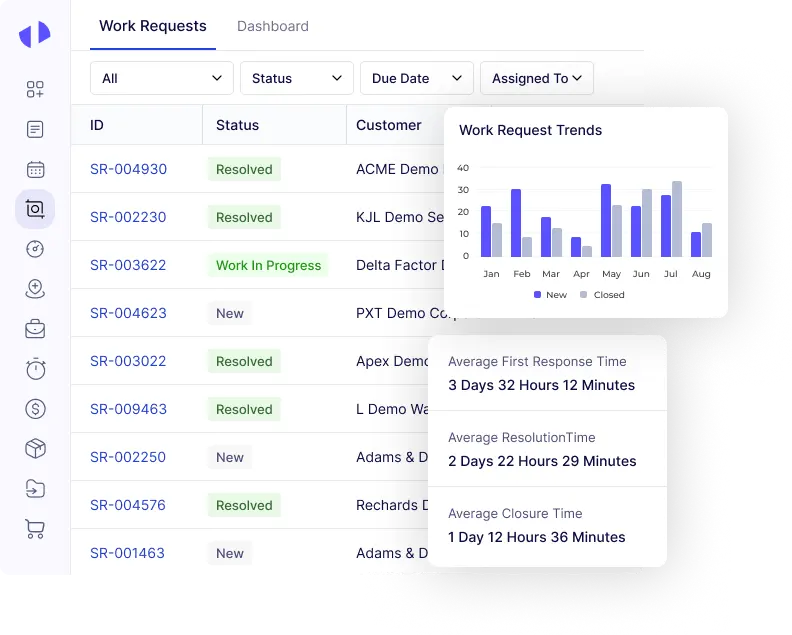
Capture Issues Early and Resolve Them Quickly

maintenance-request

Never Run Out of Critical Parts

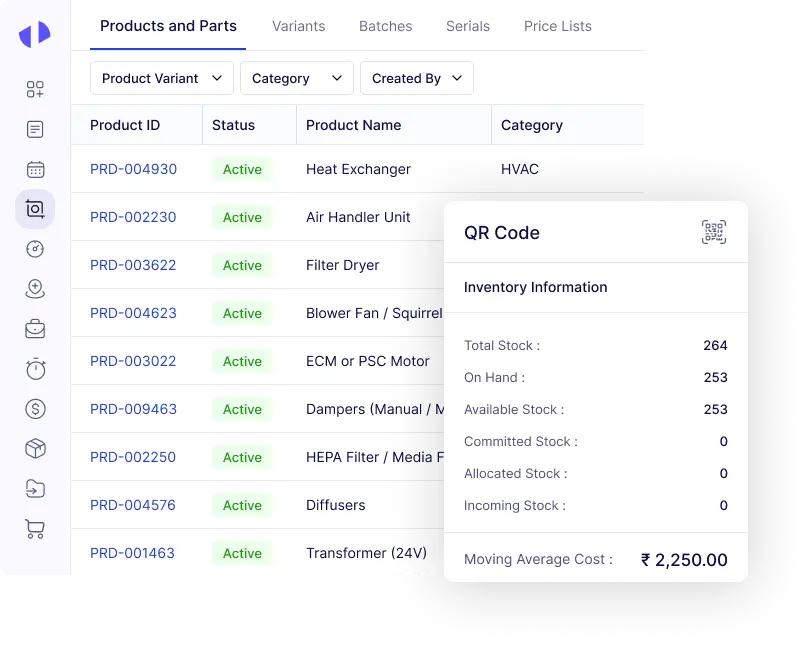
inventory-Parts

Empower Technicians to Work From Anywhere

technician-app

See What Matters, Act Faster

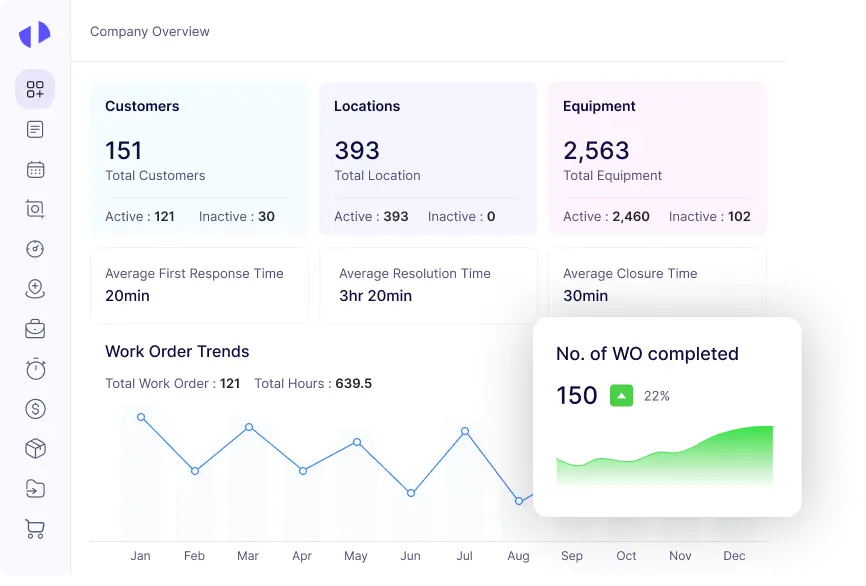
reports-analytics

Manage Every Site With Complete Visibility

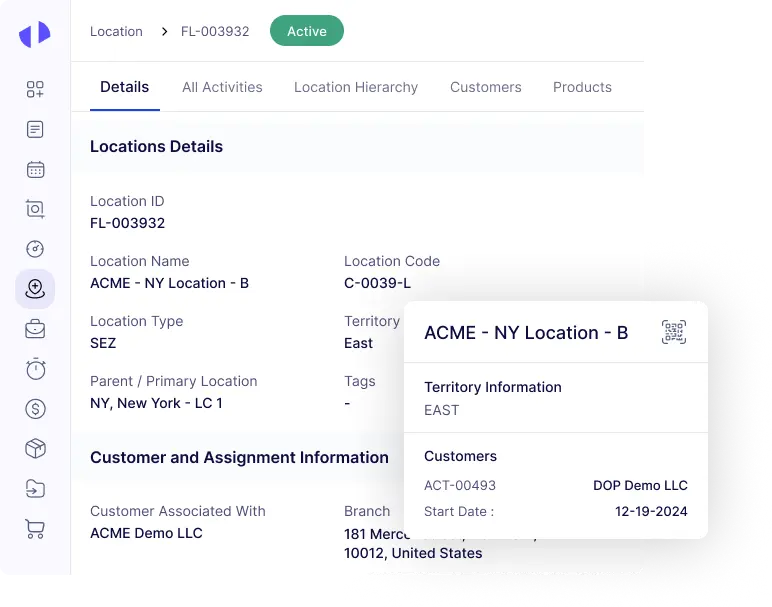
location-sites

Simplify Purchasing and Vendor Work

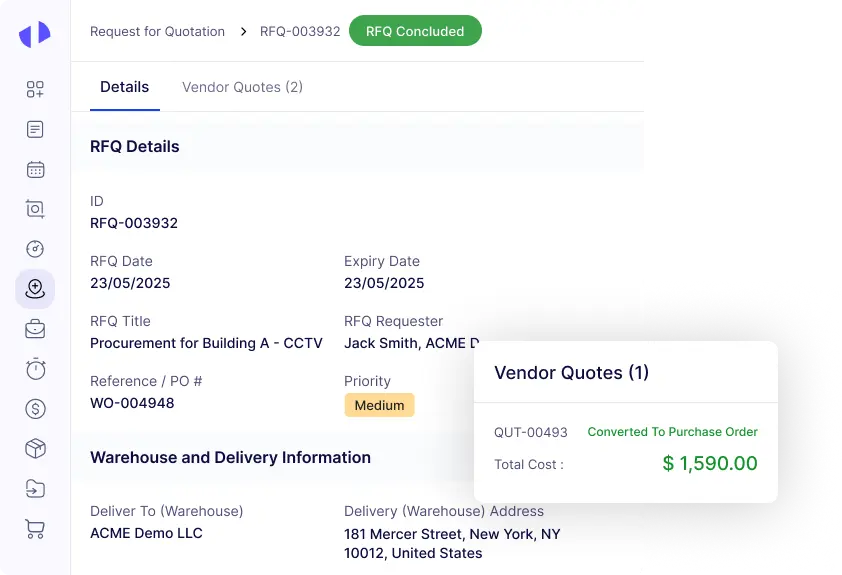
vendor-and-po

Detect Failures Before They Occur

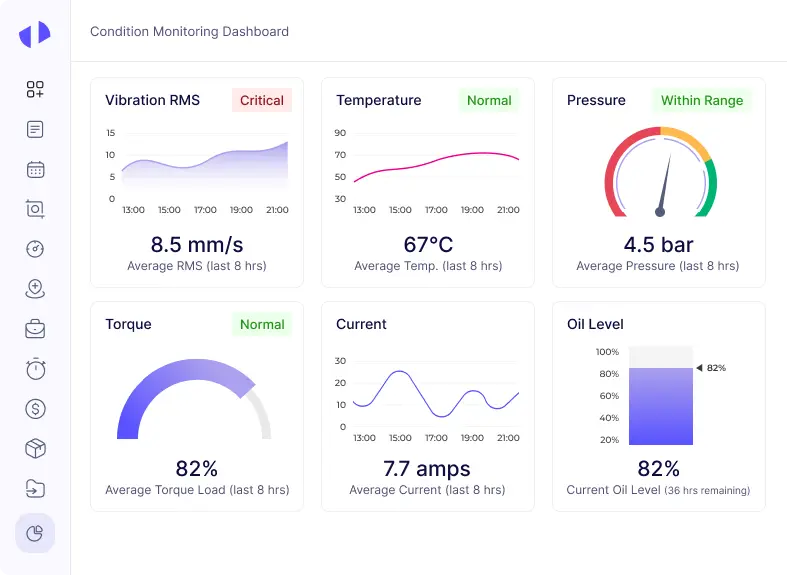
meters-IoT

Security & Privacy

Enterprise-Grade Security,
Built to Scale With You

Software advice is
rated great.

Based on 100+ reviews

Frame 1000004830
Frame 1000004830
Frame 1000004830
Frame 1000004830
Frame 1000004834
Software Advice badge awarding best customer support for 2026.

Ready to Scale, Built on Security

Designed with security at its core, enabling seamless and confident scaling as your operations grow.

Iso
Aicpa
Certified company

Capterra is rated
great.

Based on 100+ reviews

Frame 1000004830
Frame 1000004830
Frame 1000004830
Frame 1000004830
Frame 1000004834
Capterra badge displaying Best Ease of Use 2026 award.

What Customers Achieve With Zapium CMMS

Hear what our customers say about Zapium and its impact on their maintenance operations.

A Wide Range of Industries that use Zapium

A CMMS Software that’s Built for Your Industry’s Maintenance Management Needs

About Zapium’s CMMS Software

Why Businesses Choose Zapium Over Other CMMS

Some compelling reasons why businesses worldwide, across industries consider Zapium as the most preferred choice to streamline their CMMS workflows:

How does a CMMS Software work?

Following is a typical workflow of a CMMS software:

01
Implementation & Setup
02
Asset Data Entry
03
Asset Structuring & Tagging
04
Maintenance Planning
05
Work Order Generation
06
Technician Assignment & Dispatch
07
Work Execution & Updates
08
Inventory & Resource Tracking
09
Completion & Approval
10
Reporting & Analytics
11
Continuous Improvement Cycle

Work On-the-go with Our CMMS App

An easy-to-use CMMS app that keeps maintenance organized, efficient, and all in one place.

01
Real Time Access and Updates
02
Real Time Communication and Coordination
03
Instant Inventory and Parts Management
04
Seamless Asset Tracking and Management
05
Data Capture and Reporting
06
Safety Compliance and Documentation
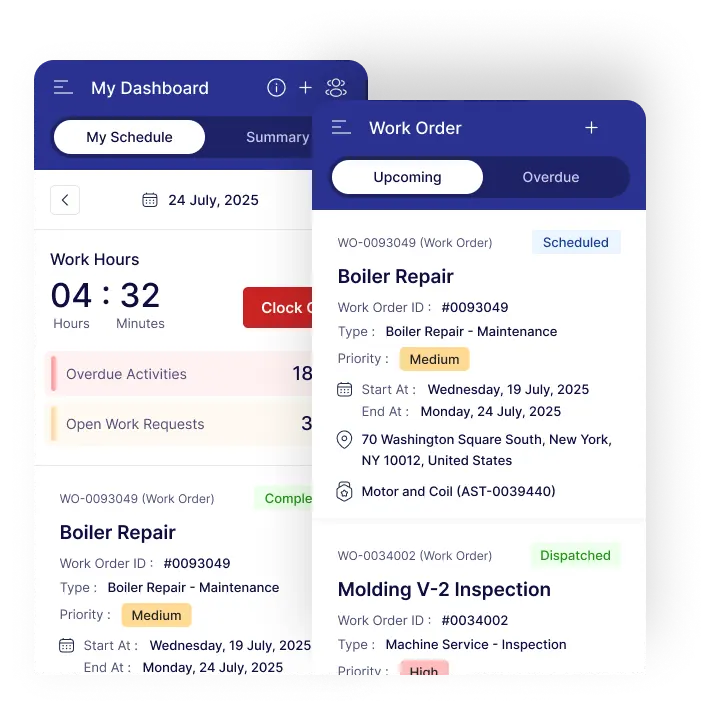
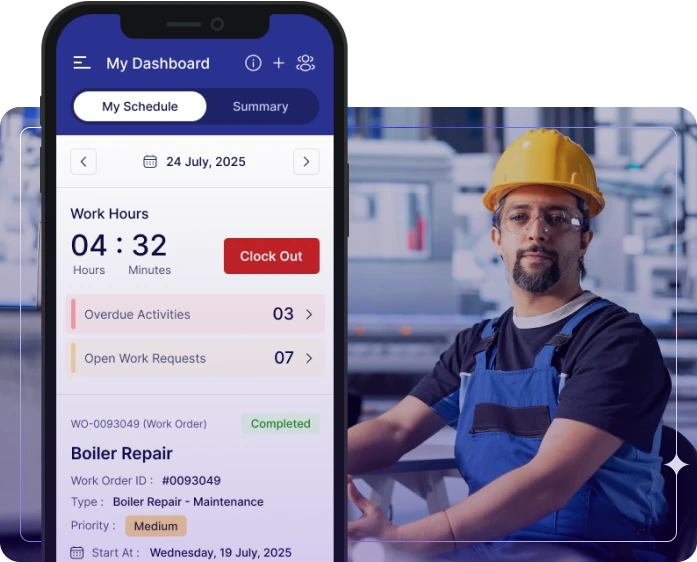
Mobile app dashboard showing work schedule, hours, and boiler repair details.

Success Stories Led by Our FSM software

Discover the remarkable impact of Zapium’s FSM software on maintenance operations of our customers and how it has changed their life.

Blank white space placeholder image.
Cushman & Wakefield, a global powerhouse in the commercial real estate services sector, enhances customer satisfaction, improves operational profitability, and achieves better vendor collaboration with Zapium.
TSI Power logo with blue cube icon.

A leading US-based manufacturer, TSI Power Corporation, USA improves resource utilization, enhances productivity with Zapium implementation

Yourspace logo

YourSpace partners with Zapium to achieve service operations excellence leading to higher profitability and customer experience.

Maintenance Resources

Browse our blogs, guides, and case studies to support your maintenance journey.

A CMMS (Computerized Maintenance Management System) is digital software that centralizes maintenance operations. It tracks assets, schedules preventive repairs, manages parts and inventory, and work orders in one place. Using a CMMS improves efficiency, reduces equipment downtime, and helps businesses shift from reactive fixes to proactive maintenance management.


The benefits of using CMMS software include improved maintenance efficiency, reduced downtime, and enhanced asset management. It increases equipment life, helps with proactive maintenance to minimize failures, and manage preventive maintenance schedules. This leads to cost savings, better performance, and increased productivity through automation.


CMMS works by automating and centralizing maintenance processes, allowing businesses to manage tasks more effectively. It tracks work orders, schedules preventive maintenance, and manages inventory, ensuring timely execution of tasks. The system provides real-time data and insights, helping users make informed decisions and optimize their operations.


You need a CMMS software if your business requires efficient management of maintenance tasks, assets, and work orders. It is especially valuable for growing or scaling operations, as it streamlines maintenance processes and improves overall efficiency. For smaller businesses or single-person teams, a CMMS may not be essential, but it becomes crucial as your operations expand.


When choosing CMMS software, prioritize scalability, ease of use, mobile accessibility, integration with existing systems, robust reporting, and vendor support. You should also consider CMMS that offer customization options and comply with industry regulations.


Successful CMMS implementation begins with defining your maintenance goals and understanding the processes you want to manage. First, gather and organize your asset and equipment data, including maintenance history and schedules. Next, choose a CMMS that fits your organization’s size and needs, and configure it to match your workflows. Then train your team on using the system effectively and set up reporting to track performance. Finally, start using the CMMS gradually, monitor adoption, and adjust settings or processes as needed to optimize results.


CMMS Implementation time varies depending on the complexity of your operations and the amount of data to migrate. For smaller organizations, it can take a few weeks, while larger enterprises may need several months. Factors like team readiness, data accuracy, and customization requirements also influence the timeline.

 

Schedule a Demo

By submitting your details, you agree that we may contact you by call, email, and SMS and that you have read our terms of use and privacy policy.

Start Free Trial